Wednesday, June 30, 2010

ISTE10 Denver Conference Take-Aways


Without even leaving my desk I had a surprisingly fun and rewarding time at the ISTE conference this year. That's because I focused on virtual world presentations, many of which were presented on ISTE Island in Second Life.

Aside from my crazy virtual bike ride, here are some of my take aways:

  • The mixture of hyper- and multi-media made my head spin. I was forced to upgrade to SL Viewer 2 which I don't particularly like but it did allow for some amazing new options, like HTTP on a prim. The result was experiencing multiple simultaneous realities as presenters stood in the physical Virtual Environments area in Denver talking to a real audience WHILE projecting their avatars in Second Life to that audience WHILE directing their avatars in the Red Rocks presentation stage in SL to an audience of virtual attendees in-world, WHILE the attendees also watched the ustream broadcast of the real life presenter in the physical space on a dynamic HTTP surface behind the presenter's avatar. It gets complicated, right? You can imagine the complications of setting up the audio feeds.
  • There were more than a few tech issues for myself and others, but it was gratifying to see how calm and helpful everyone was. Somehow, the show always went on.
  • JB Hancroft gave an exciting presentation on the possibilities of scripting and media sharing with Viewer 2.0 and in a way what was most interesting was that for a while his examples didn't work and as he grew more apologetic and despondent we kept plugging away at figuring out how to interact with his prims to make his effects visible and finally got it. It was a mixture of JavaScript and lsl that gave you a button on the prim surface you could click to reveal a text message and hide it again. Really amazing. I was so impressed by the breadth of his innovations and the support coming from the audience reminding him it's all a work in progress and really great that he was trying this stuff.
  • I caught enough of Kyle Gomboy's presentation about Reaction Grid to know that I have to set something up there. As much as I enjoy OS Grid I think it's focus on software development and innovation makes it a hard place to set up a dependable educational region. I always crash when I go there for whatever reason. Taking a quick look at some of the regions in RG convinced me that's the place to take students and start working out some collaborative possibilities between schools. Having our standalone in our school has been great and of course we'll continue using it but the ability to share things with a wider audience is an important ultimate goal.
  • Bernajean Porter and Peggy Sheehy: "Get away from museum mode, move into narrative."

Friday, June 18, 2010

Mars Simulation for distribution

This is the quick-and-dirty version of this tutorial for creating a 3D simulation of the Mars crater Tharsis Tholus from scratch. Actually it's really long, but this is a big project, at least an hour's worth if all goes well. I'll do something more extensive soon in some form, but I just finished making the distributables (OAR and IAR files) so I wanted to get it out there. No previous OpenSimulator experience is required, but some command line stuff will be necessary and there are many opportunities for getting stuck, which I may or may not be able to help with.
This is a standalone 2x2 sim run on Windows XP SP2 that one would connect with using a client viewer like Second Life that is configured to connect over a wired LAN to the IP address of the computer running the sim. All this is detailed below, but there are many other configurations you could have, so I just wanna make that clear. One thing, for the client computers using the viewer app, you MUST use computers with high end video cards. Desktop PCs will tend to have them, as will all (in my experience) newer Macs, from MacBook Pros to iMacs. If you don't have a good video card, the orange sky effect created in step 26 just won't happen, which almost makes it not worth it in my opinion. The space station is set up for 7 astronauts, or a class of 14 students working in pairs to direct the avatars. The lesson I've implemented is documented here. So let's go!
Permissions: "One or more textures on this 3D model have been created with images from CGTextures.com. These images may not be redistributed by default, please visit www.cgtextures.com for more information."
  1. Choose a host computer for the sim. Preferably a desktop, definitely wired to your LAN. Assign--or have your network administrator assign--a static IP to that computer.
  2. Download .NET framework 3.5. OpenSimulator requires this on a PC to compile and run. Install it (takes a while, requires a restart). If you're running this on Windows 7 skip this step as .NET 3.5 is included in the OS.

Monday, June 14, 2010

Cool Tool

Paraphrasing, The most important tool of industrial designers is the factory.
-Masamichi Udagawa of Antenna Design

Thursday, June 03, 2010

OpenSim Virtual Acting/Machinema

8th grade drama project, best on full screen:


Machinema with Students in OpenSim

Our virtual drama project is wrapping up. Towards the end I need to make machinema recordings of the students' rehearsals of their 2- and 3-person scenes that they watch and use to improve their in-world performances and in the final class I make recordings of their performances. It's taken me a year, but I finally have an optimal recipe for making the machinema recordings:

  • Voice: Rehearse with 3rd party voice app and final performance with onboard voice. Teamspeak was the best option for students to rehearse simultaneously in their own groups as it offers spatial voice by virtue of separate channels. For the final performances we drop that and use the FreeSWITCH module because the rest of the students are being audience members and need to hear the actors.
  • Hide the UI: It takes practice and seems to work better on a PC than a Mac, but looks so much better. Elsewhere on this link there are some other great tips, worthy of another year of practice, but this is the most important.
  • Drop the SLViewer, get Imprudence: Hiding the UI in the Second Life Viewer has the unfortunate effect of filling the space around avatars with swirlies, a problem documented here. Linden Labs has let this annoying feature persist despite its being outdated. Imprudence lets the swirlies decay quickly and has a host of other improvements that I've only begun to discover. The beta installers are here, but it's reported that the weekly updates are actually more stable and my experience bears that out, with the beta 1.3.0 beta 4 crashing pretty frequently for no reason I can see.
  • Getting FreeSWITCH voice in Imprudence: Imprudence can't be distributed with the proprietary SLVoice app so you'll have to drop it in yourself. Fortunately, it's an easy fix.
  • Finally, the setup is complete! But wait, you need something to record it. Fraps is the standard on PC.  Fraps is excellent as long as you have a good enough sound card to get the "Stereo Mix" or "What U Hear" settings and don't use a USB headset as there is a little documented but known issue with them. I haven't found anything for Mac that successfully records the voice when using a separate app, like the Teamspeak/Imprudence combo for rehearsals. 

Wednesday, May 26, 2010

Nuts and Bolts

My Advanced Robotics students have made a lot of progress this year. They are so proud of what they've accomplished; autonomous NXT critters, a choreographed dance with TETRIX robots, and just now a joystick-controlled mobile robotic arm. TETRIX parts require a lot of tools and these girls were not used to attaching things with screws, nuts, bolts, allen wrenches, and screwdrivers. I noticed something interesting during one of our classes this week. They were completing their construction of the robotic arms when one student said, "No, put the screw on that side and the back on this side." She referred to the kep nut as a "back" again later. I couldn't imagine why she would call a nut a back. It finally occurred to me she was talking about earrings and when I asked her if that's what she was referring to she smiled, knowing it wasn't 'correct' but it worked for them. One thing they've gotten out of their experience this year is a way to relate to making robots from their own perspectives, nuts, bolts, and all.

Monday, May 10, 2010

Virtual Drama Project in OpenSim

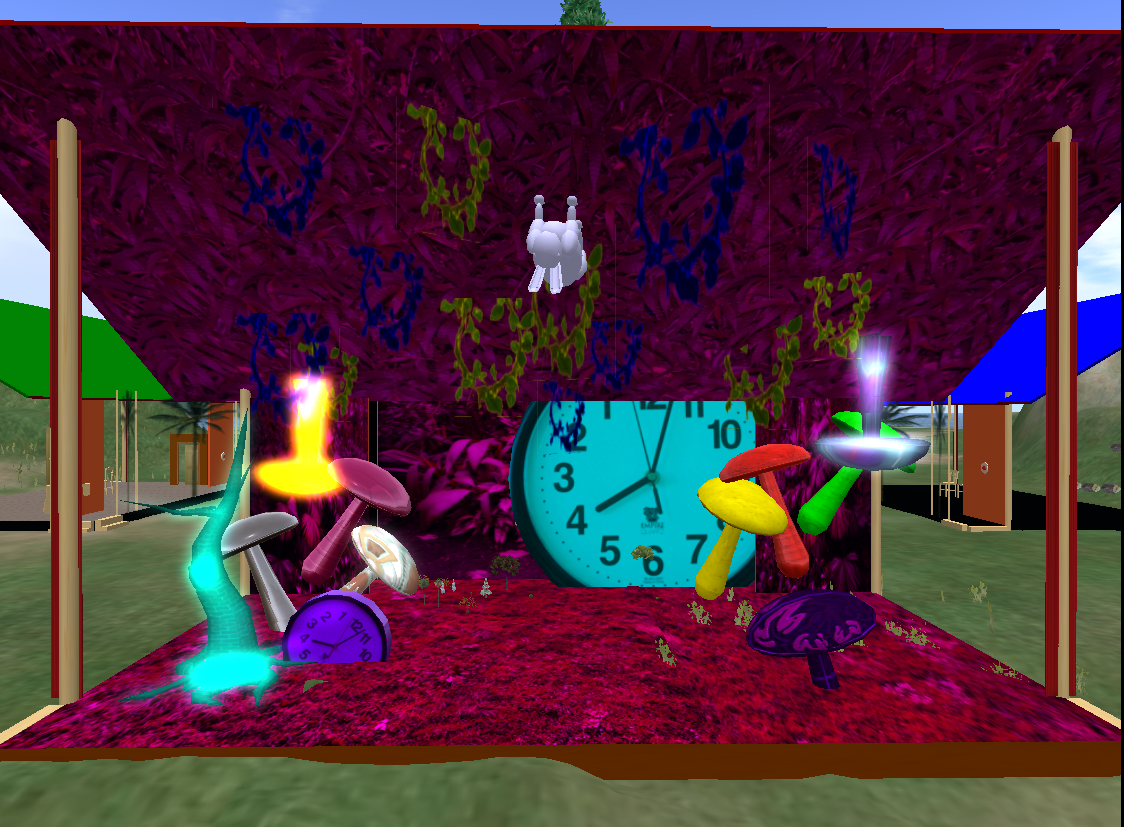
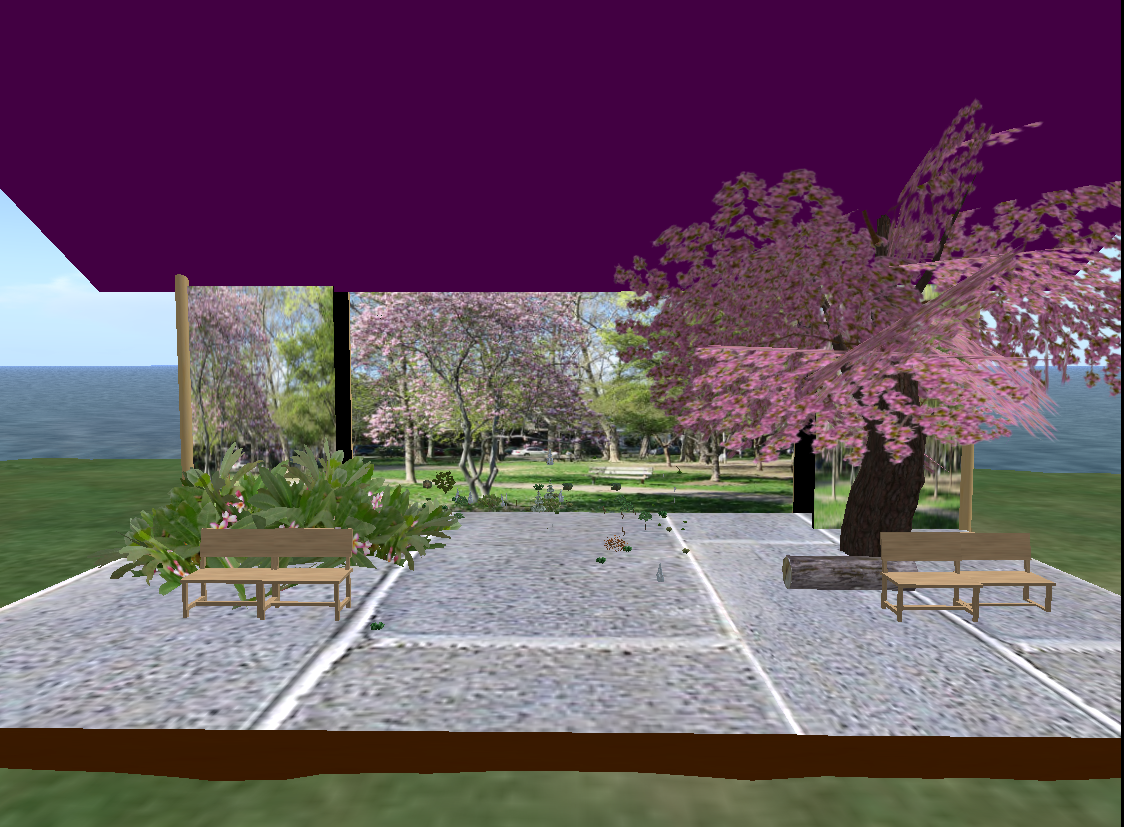
The 8th grade drama teacher and I are in the third cycle of our virtual drama project. The last two groups showed inconsistent engagement in the project, which has been surprising considering they get to act with an avatar and design their own stage sets. With the first group I can understand the lower engagement as they had to weather the bumps of the first run--disappearing prims (after a sim crash) finding the optimal hardware, few pre-made prims, and our lack of knowledge of what might provide a good experience. One improvement we've made is facilitating the students' taking ownership of their performance stages. They really don’t have time in a trimester to learn to build their own props but I’m finding that at least encouraging them to modify what I build for them is resulting in much more engagement. The stage for a scene from Alice in Wonderland is becoming truly surreal and the others are really working to make their sets as convincing as they can. One innovation from a couple groups last trimester was for them to find an image for their stage backdrop and they are all doing that now.We are so pressed for time in the few classes we have for each run of the project (about 10) that we’ve been stingy about letting them edit their props and appearances. Unsurprisingly it turns out this is what makes them want to make it good in the end.


Saturday, May 08, 2010

Creating Spatial Voice for Opensim Projects With Teamspeak

I'm currently on the third go-round with an 8th grade drama project on our LAN-based sim. As you could imagine the requirements for voice capabilities are pretty specific in a virtual drama project and after trying several options I've finally found the perfect solution--Teamspeak. Teamspeak is easy to set up, allows up to 32 slots on the free version, and uses a cross-platform codec, Speex, so I can have students on Macs and PCs in the same session. Client configuration is easy as well, allowing for settings I pre-configure, like the server IP, to be global, applying to all users, so students don't have to set anything up. All they do is open the client, type their own name in the connect dialog, and since it has the host IP already in the global settings they can ignore that part. I've set up channels for the students to be able to rehearse in groups and not have to hear the other groups, 6 channels in all.

What I tried before is the Opensim's onboard voice module, FreeSWITCH, which is fine but not spatial. That was a deal breaker because students couldn't practice using voice in simultaneous rehearsals. I heard that Vivox was being integrated as a new voice module and is spatial but after looking into that I found that it costs thousands to get a license to host it. Then I tried Ventrilo, often used by World of Warcraft players, and it worked until I got more that 8 students on the server. Only 8 slots unless you rent server hosting! So I ran two Ventrilo servers on two different computers and had to go around connecting students to different IPs, making sure they were with their group partners. Much hassle.

So until Vivox offers an affordable package for use with Opensim Teamspeak will be the best option for this project. Which is a project I should describe in more detail. Will do, soon.

Wednesday, May 05, 2010

Who's Afraid of Copyright Infringement?

If you saw this on your computer would you think you'd done something wrong? Probably, because most of us have copied something or other without permission. It's pretty scary looking, too. I took this picture of a student's screen after she got this crazy alert. But I wonder how effective this is. Are people really afraid of getting caught illegally downloading music, movies, or TV shows? A small percentage must click the "settle and avoid court proceedings" button; enough for them to make money off the hoax.

Saturday, April 03, 2010

Papert's Prediction

From Mindstorms: "My conjecture is that much of what we now see as too 'formal' or 'too mathematical' will be learned just as easily when children grow up in the computer-rich world of the very near future." Not with the iPad.